Users
The Users area is the central hub for managing who can access Dino and what they can do. From here, you can navigate to two key administration sections: Users (for individual accounts) and Groups (for permission sets).
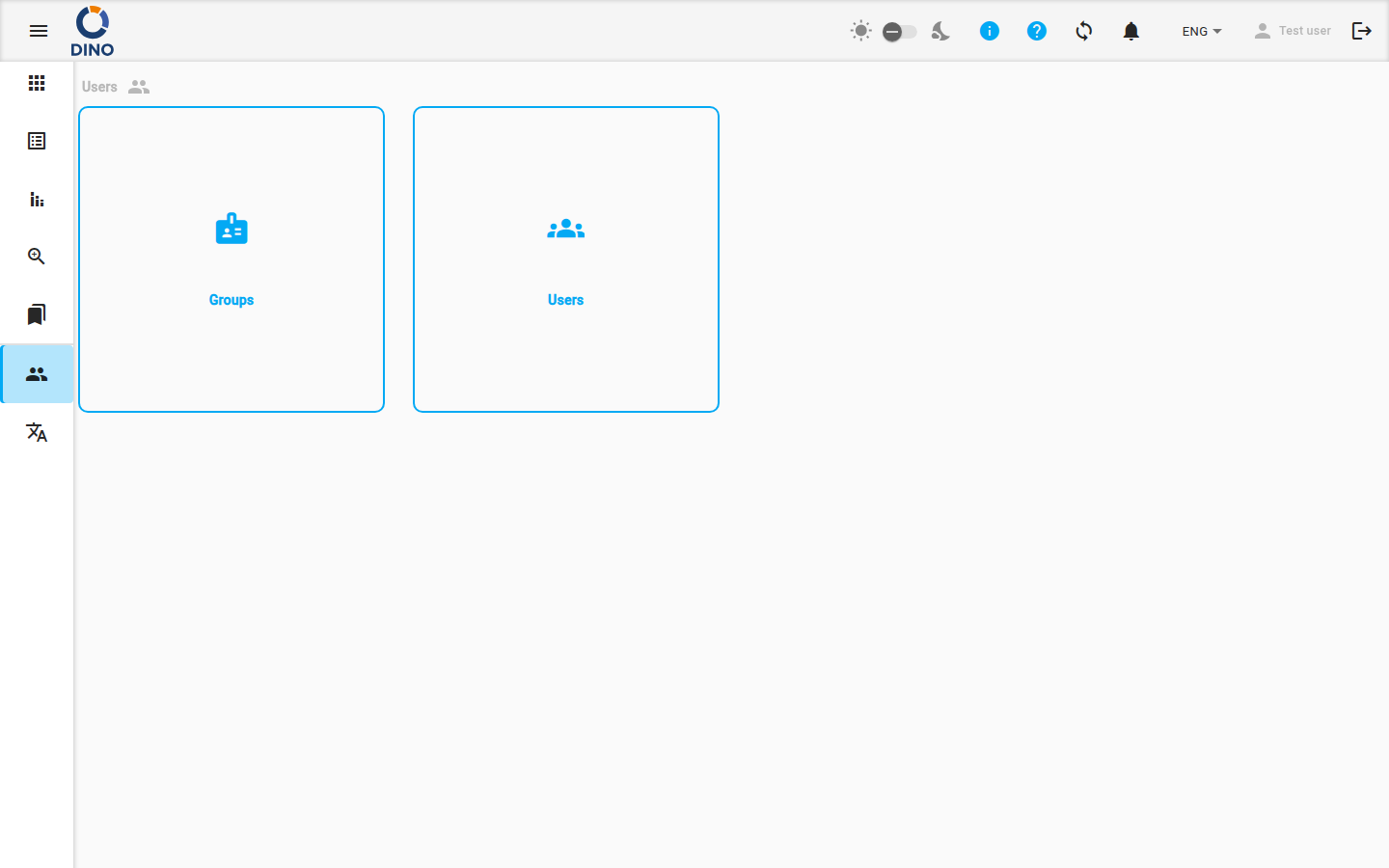
When you open the Users page, you will see a menu with the following options:
-
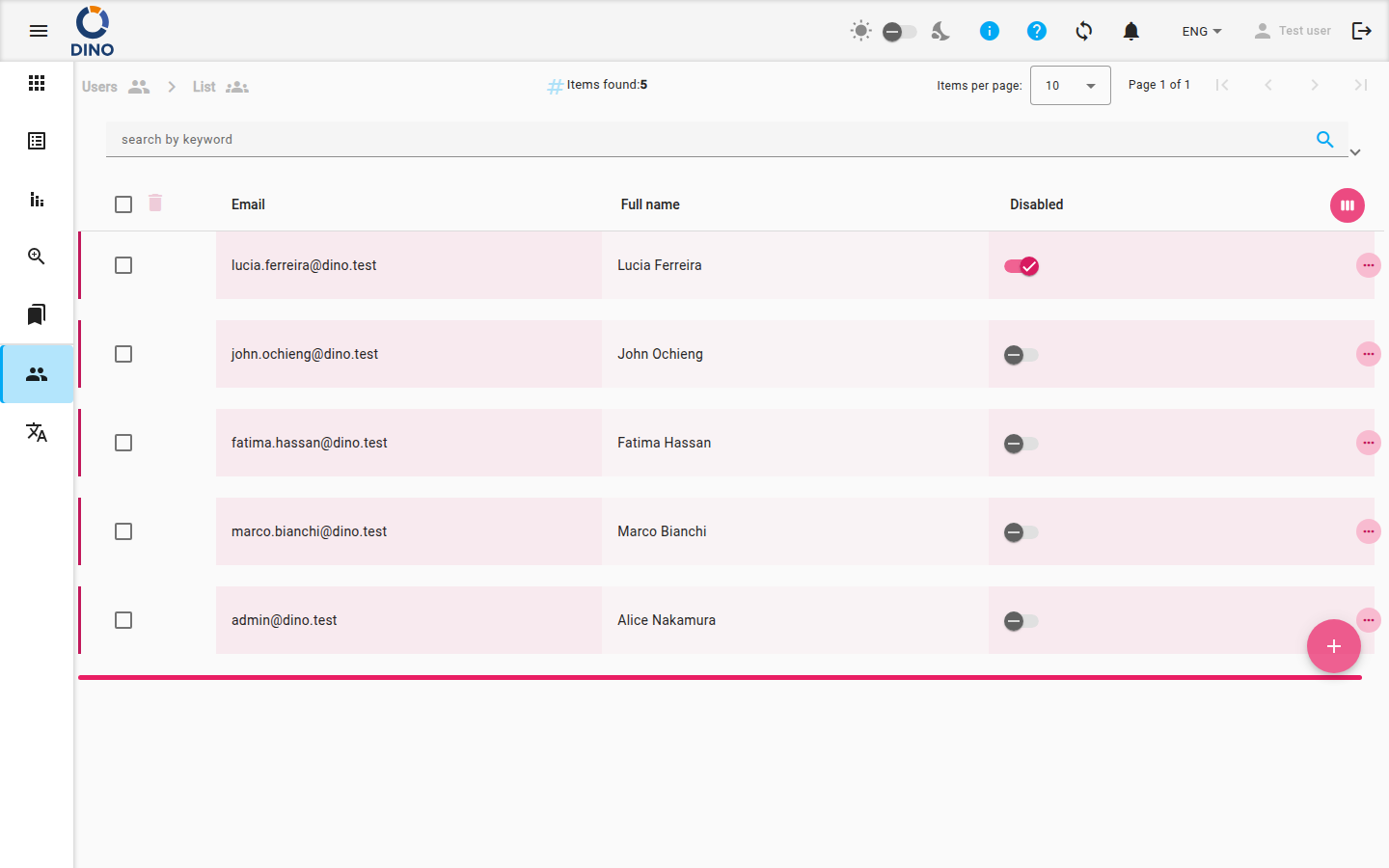
Users: Opens the Manage Users page to create, edit, and manage individual user accounts.
Clicking this option takes you to the user list, where you can view all accounts, add new users, edit details, and deactivate accounts.
-
Groups: Opens the Groups page to create and manage permission groups that control access to forms, reports, and data.
Simply click on either menu item to navigate to the corresponding section.
Administrator Access Required
The Users area is only visible to users with the Administrator role. If you cannot see this page, contact your system administrator.
Related Pages
- Manage Users: Detailed guide on creating, editing, and managing user accounts.
- Groups: Detailed guide on creating and managing permission groups.