Forms
The Forms page is your starting point for structured data collection in Dino. From here you can browse, create, and manage form schemas, then view and work with the submissions gathered through each form.
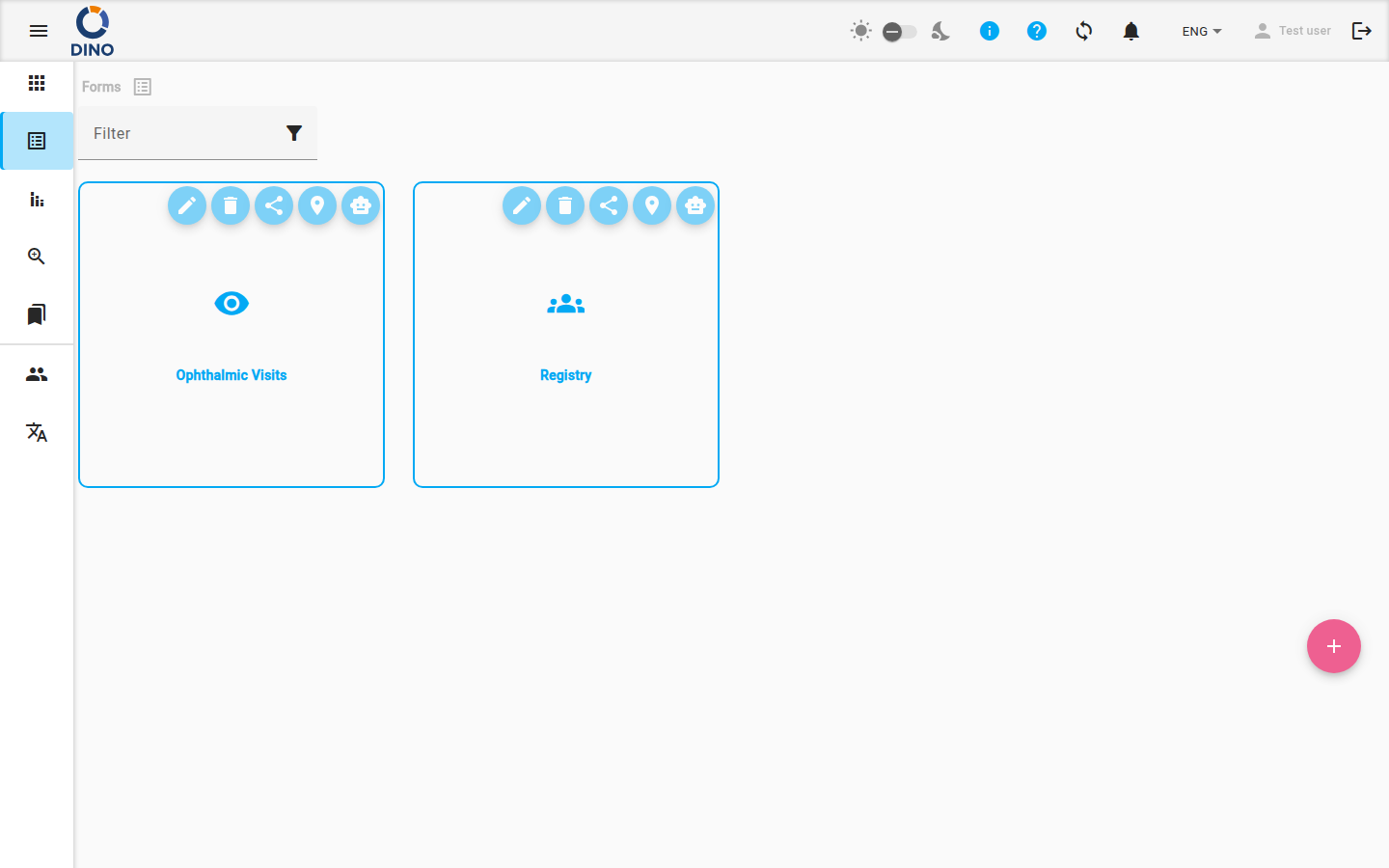
The main view displays a grid of form schema tiles. Each tile shows the form’s label and icon. Hovering over a tile reveals action buttons:
- Edit Schema – Modify the form’s structure (fields, validation, metrics).
- Delete Schema – Remove the form schema (and all its submissions).
- Share URL – Get a public link to allow external submissions.
- View Map – Open the map view for submissions with location data.
- Chat with your data – Use the DataChat feature to ask questions about submissions in natural language.
Tip
The actions available on a tile depend on your permissions. You may not see all buttons.
To create a new form schema, click the + floating button at the bottom right. You will be taken to the Edit Form Schema page to design your form.
Working with Submissions
Click a form schema tile to enter its submission list. This table shows all data entries collected for that schema.
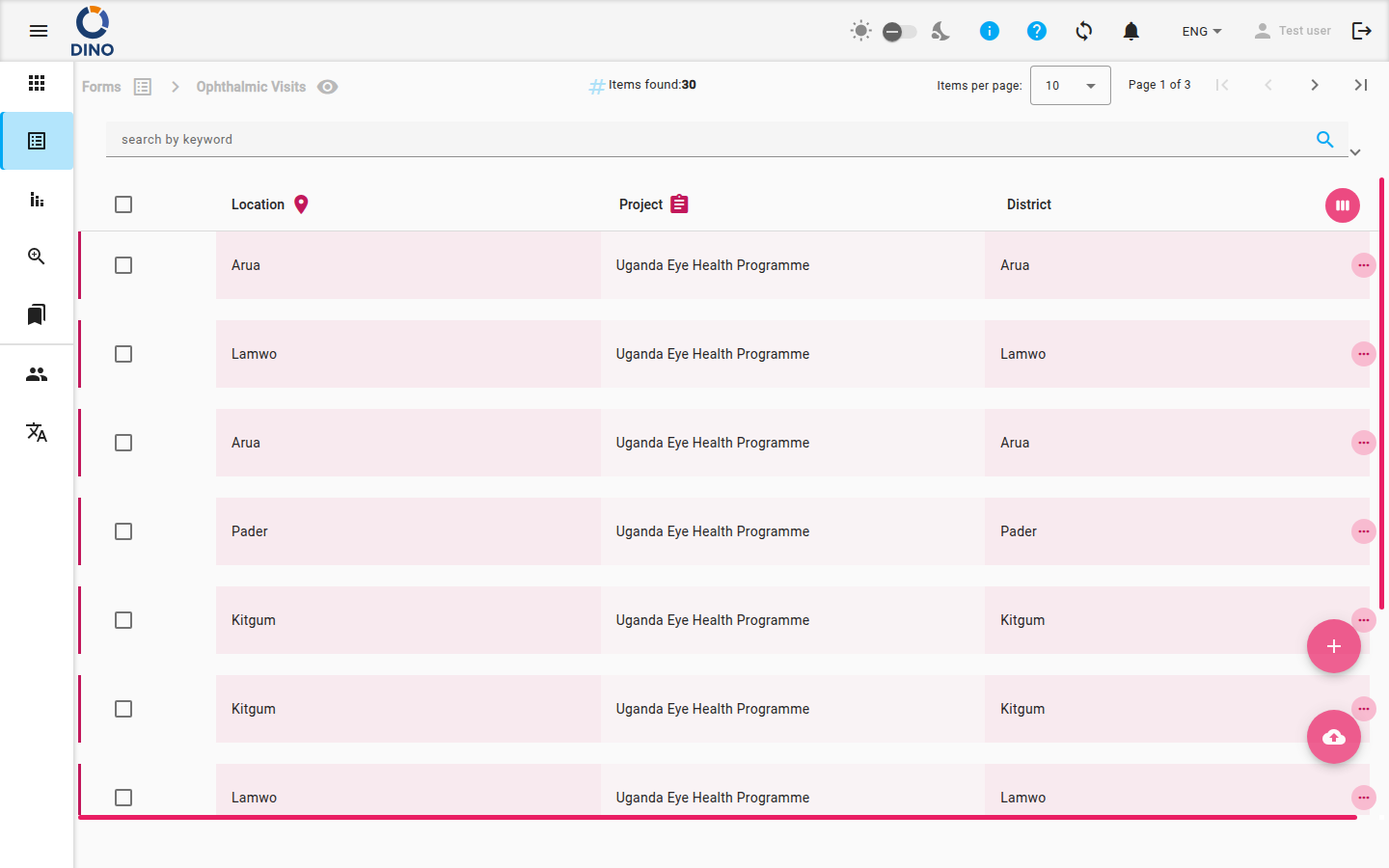
The list includes a filter bar that lets you search by keyword, date range, metrics, status, user, and more. You can also save filter presets for quick reuse.
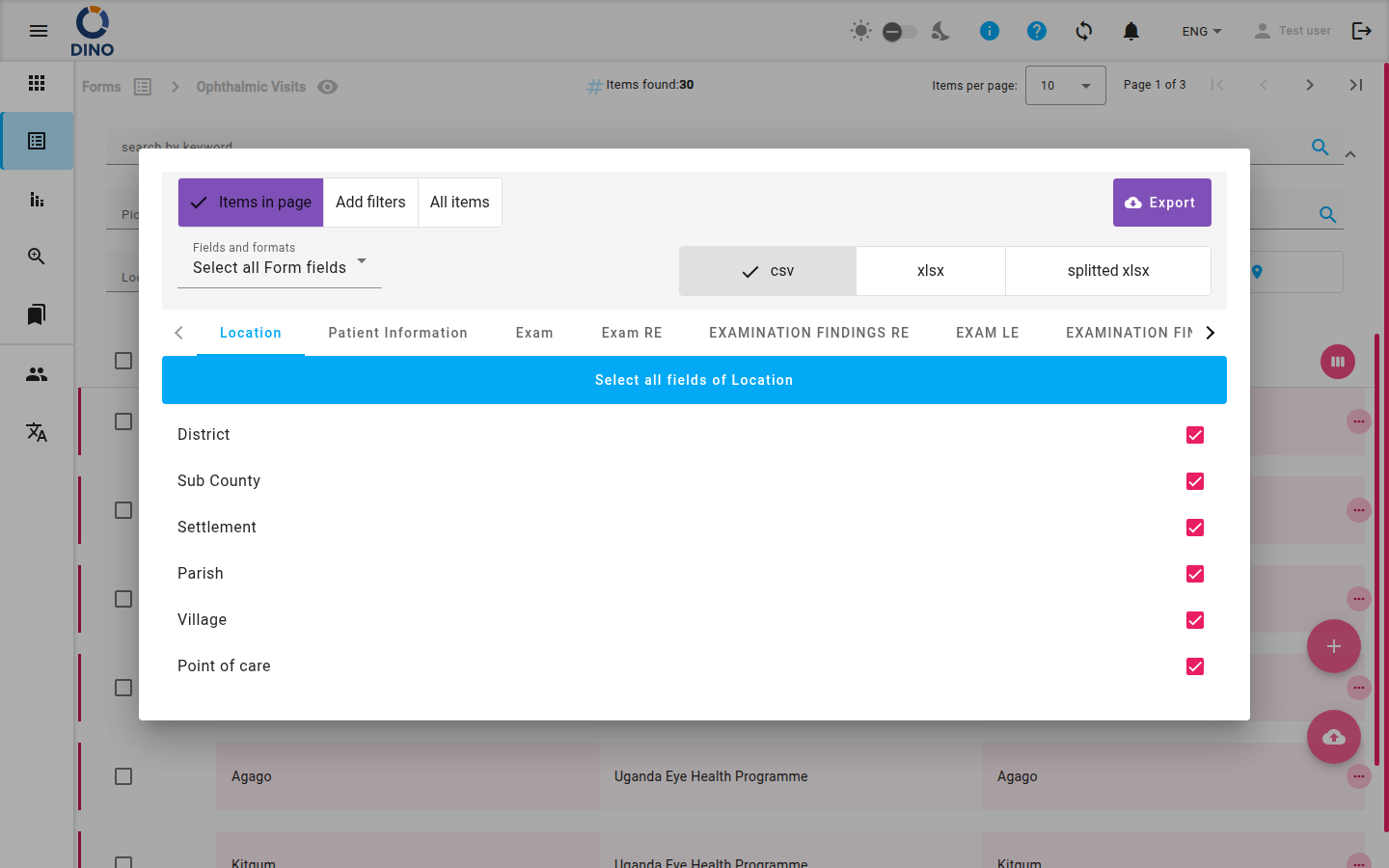
Use the export button to download submissions in CSV or XLSX format.
Row Actions
Click a row to expand its details, or use the row actions (view, edit, delete, print as PDF, download as DOCX, print badge). The available actions depend on your permissions and the form’s configuration.
Creating a New Submission
Click the + floating button on the list page to open a blank form for data entry.
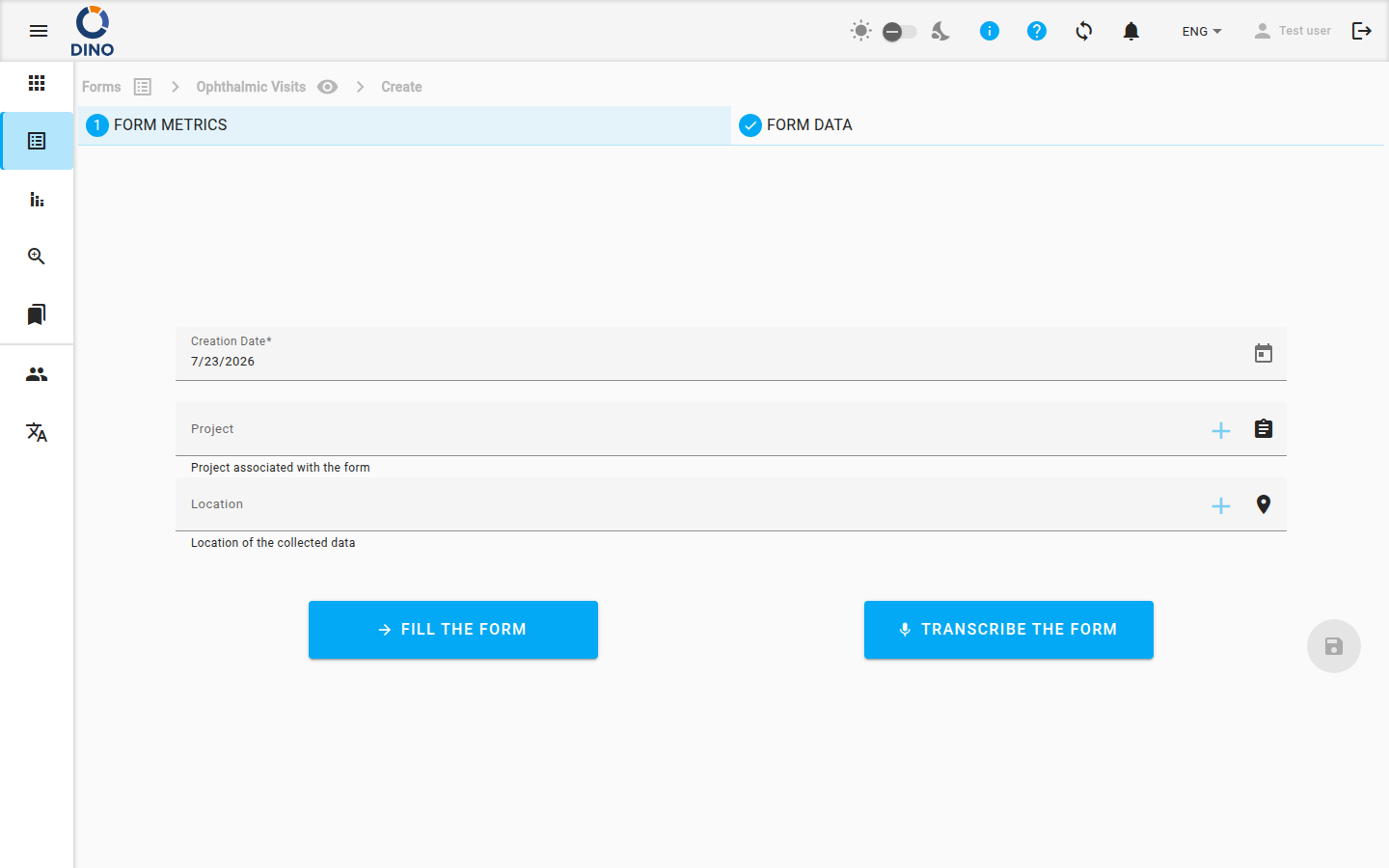
Fill out the fields and submit. The new submission will appear in the list.
Bulk Operations
Select multiple submissions using the checkboxes to perform bulk delete or edit (change the same field value in all selected entries).
Additional Views
- Map – View submissions with geographic coordinates on an interactive map. Learn more in Forms Map.
- DataChat – Query your form data using natural language. See DataChat for details.
Warning
The DataChat feature may consume credits. Check your account’s credit balance before using it.